

How it works
Upload, share, select

Share a link

Clients select
Features
Everything a gallery delivery needs
No setup, no plugins, no learning curve. Upload, share, done.
Folder organization
Watermark protection
Download control
Client selections
Automatic thumbnails
Bulk zip downloads
Pricing
Simple storage, simple pricing.
FAQ
Common questions about Drive
What is Shutter Drive?
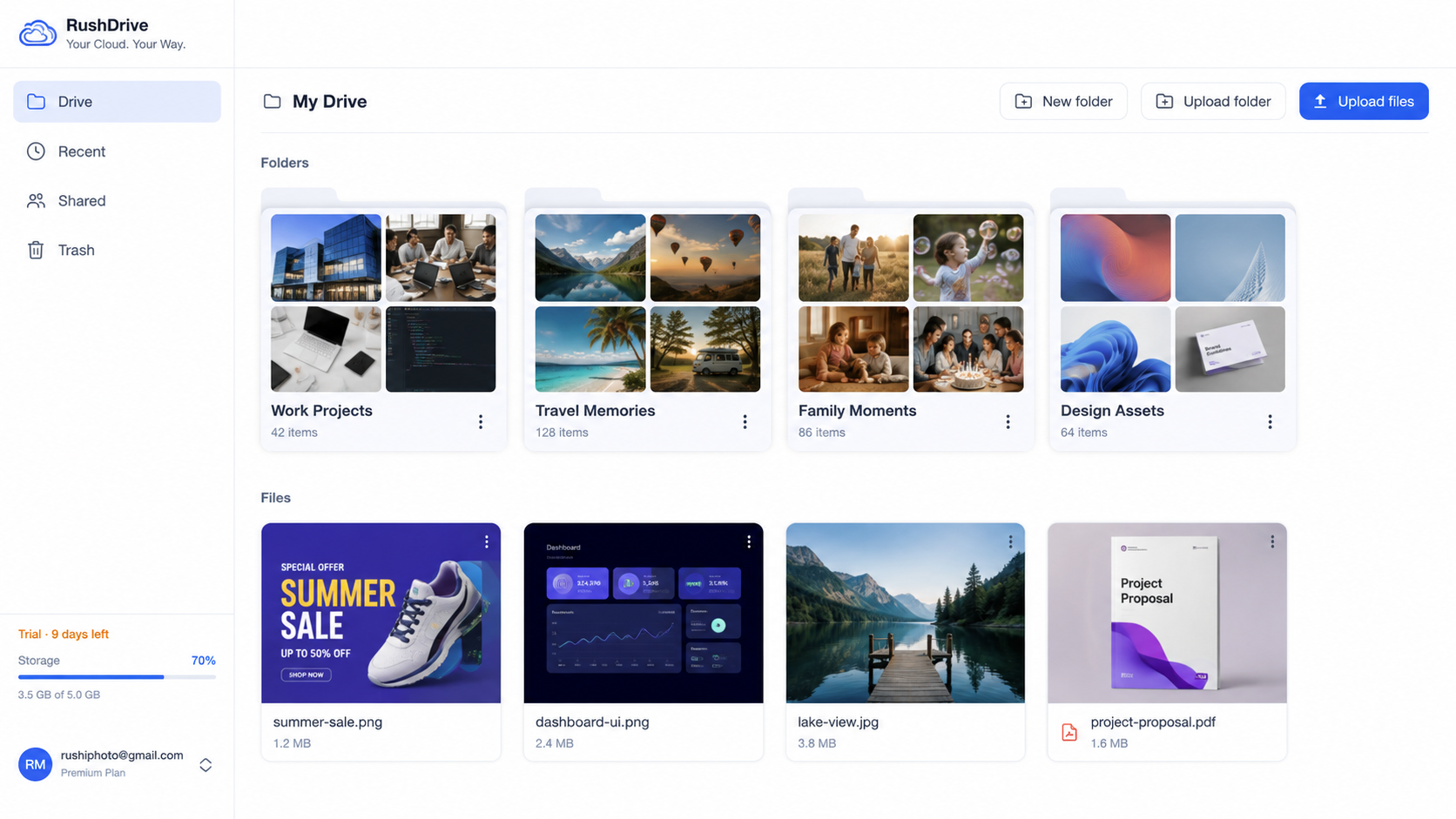
Shutter Drive is cloud storage built for photographers. You upload your files, share them with a link, and clients pick the photos they want for their album. That is all it does.
How do clients select photos?
You create a selection and share the link. Your client opens it, enters their name and number, and taps the photos they want. Each person gets their own shortlist — multiple people on the same link do not see each other's picks.
Can clients download the gallery?
Only if you allow it. Each share link is either view-only or download-enabled — you choose when you create it. Clients can also request a bulk zip delivered to their email or WhatsApp.
Is there a free trial?
Yes. Every new account gets a free trial with 25 GB of storage and 10 selections — enough to try the full workflow on a real shoot. No card required.
What file types are supported?
JPEG, PNG, HEIC, RAW (CR3, NEF, ARW, and more), and video files. Drive generates thumbnails for all of them automatically, so previews load fast regardless of the original size.
How is Drive different from Shutter AI?
Shutter AI is for event photo sharing — guests scan a QR, take a selfie, and find their own photos using face search. Drive is for gallery delivery — you share a folder with a client, and they pick their favourites. Different workflows, separate products, separate accounts.